Browse PE files
Browse in the context menu of a program or library (
.exe, .dll, .sys and others) shows what is in it, as System Informer’s PE viewer does, in pages: General, Headers, Sections, Imports, Exports, Resources, Hashes, Version and more. Each page has its own columns, and the filter narrows and highlights them. Enter browses a file that doesn’t run, such as a .dll; a program still runs.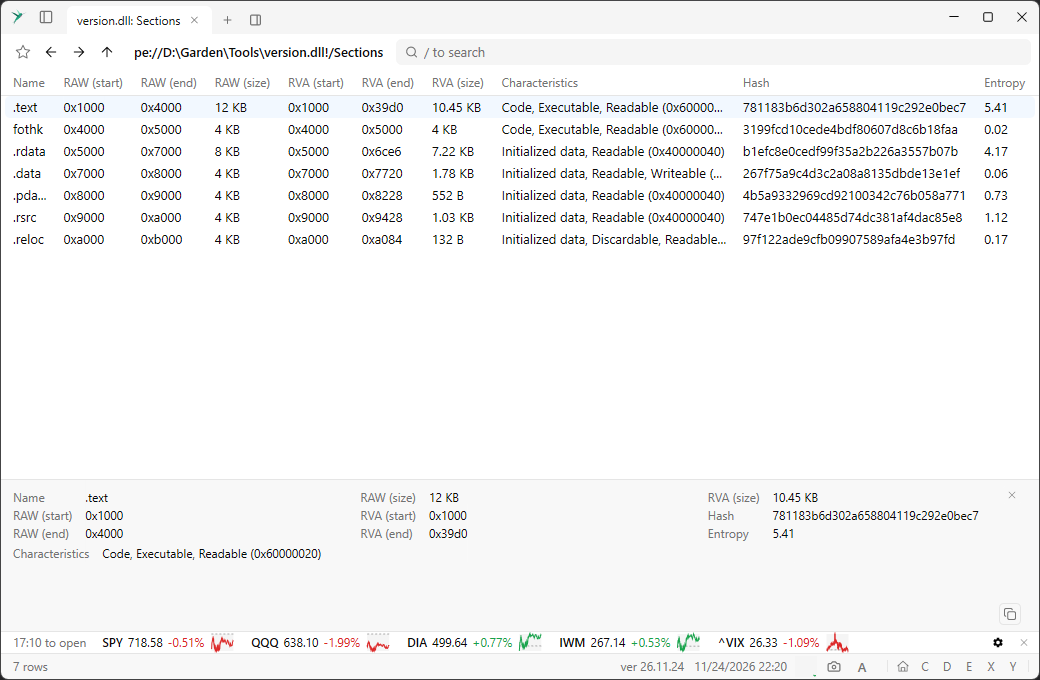
Browse and Open for archives
The context menu of an archive has Browse, which shows it as a folder, as
Enter does. Open now opens it with the program Windows uses for it, such as 7-Zip.Tailscale: Open dashboard and Connect with RDP
The context menu of a Tailscale device has Open dashboard, which opens the device’s page on the Tailscale website, and Connect with RDP, which starts a Remote Desktop connection to it when Remote Desktop Connection or Windows App is installed.