Browse archives
Enter on a .zip, .rar, .cbz, .cbr, .7z, .tar or similar file shows it as a read-only folder. Going up from its top level returns to the folder the archive is in, with the archive selected. The list of what is in an archive is kept, so a file is read once per version.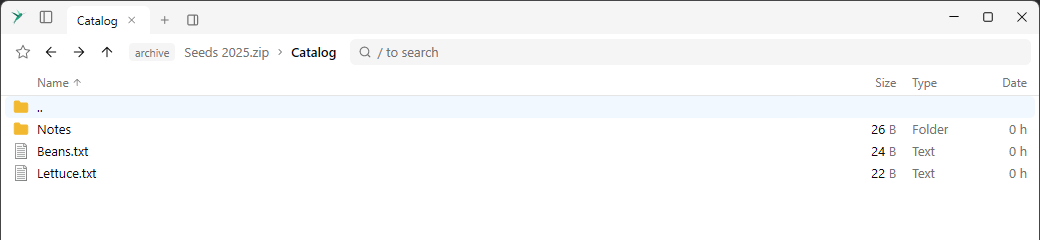
Torrent downloads
Drop a
.torrent file from outside the app, or paste a magnet link with Ctrl + V, to download it to the Downloads folder. A progress row has a Cancel button. A download that isn’t done starts again with the app. A finished torrent is not seeded.Faster online storage folders
S3 and Pixeldrain list everything in a store once in the background and keep the result, so moving between folders sends no requests. Put.io remembers its folders, so showing one takes one request.
Winget: more details and Open file location
The preview of a package has everything
winget show prints. Open file location in the context menu goes to where an installed package is.Tailscale Devices preview
Tailscale Devices has a preview panel with the details of the selected device, and a Preview item in the context menu.