Take Screenshot, in the command palette or the camera icon in the status bar, opens a window with the desktop and every open window on the left.
Print Screen does the same from any program, unless Windows gives that key to the Snipping Tool.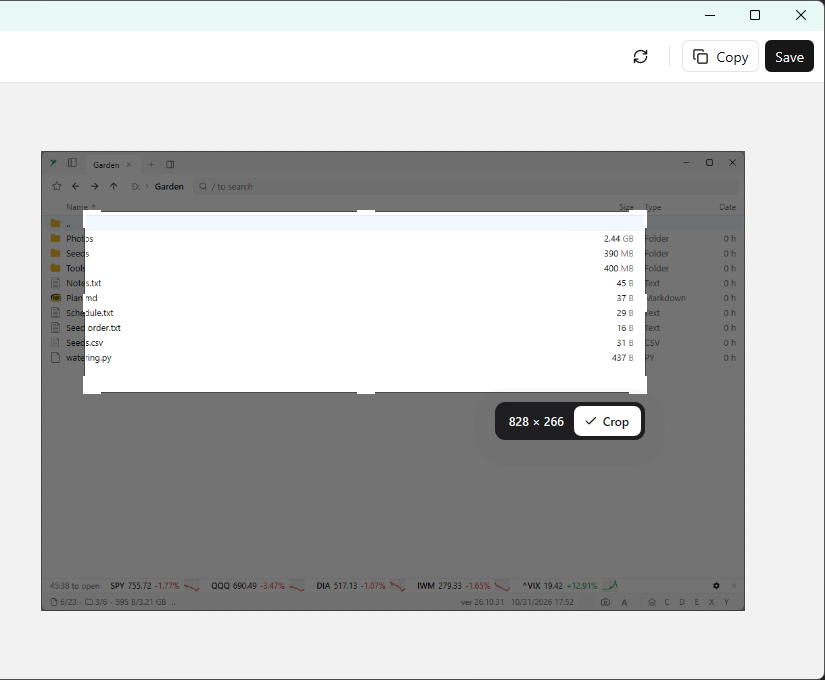
Pick one, then drag to select an area and press Crop, or drag an edge to resize the image. Refresh or
F5 captures it again. Copy puts it on the clipboard. Save writes a PNG to the Windows Screenshots folder (or Pictures\Screenshots when Windows has no Screenshots folder), named after the program or window, and a notification links to the file.Go To Last Screenshot selects that file. It stays out of the palette until a screenshot has been taken in this session.
Screenshots Directory opens the folder. That command is also under Special places.