A row above the status bar shows stock quotes with a small graph of today’s price and the time to the US market open or close. It refreshes every 5 minutes during market hours. The x or Toggle Stock Quotes hides it.
Stocks, in the home view’s Places and as Show Stocks in the command palette, is a full panel: symbol, a graph of today’s price, price, and the daily change in percent and in dollars. It docks like any other panel.
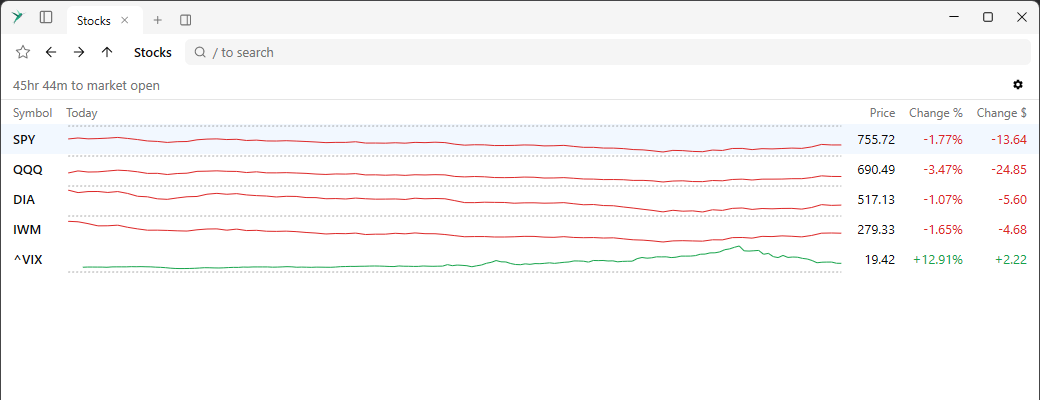
The gear icon chooses the stocks. Search by symbol or company name, drag a stock to change the order, or select one to move it with the arrows or Delete it.