A folder is a list of names, sizes, and dates. Double-click a folder, or select it and press
Enter, to open it. Double-click a file, or press Enter, to open it with Windows.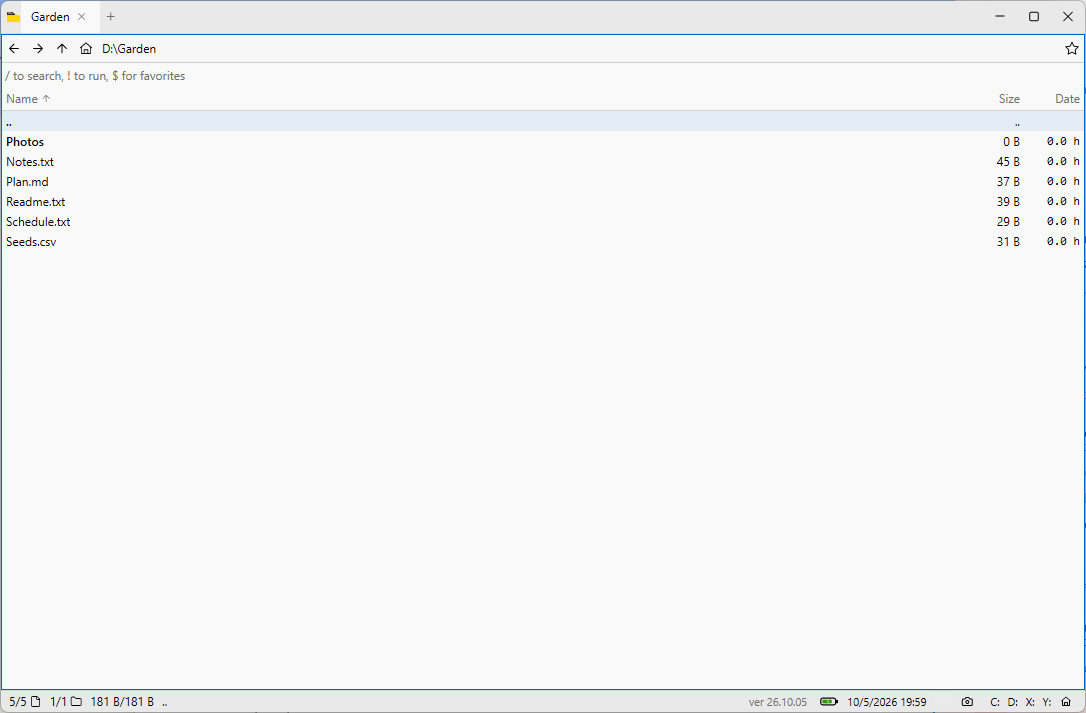
Alt + UporBackspacegoes to the parent.Backspacedoes this from the file list, so it still deletes text in a text field.Alt + Leftgoes back.Alt + RightorShift + Backspacegoes forward.F5reloads the folder.Ctrl + Ledits the path. Type a path and pressEnter.Alt + Homeopens the home view.
Drag a selection out of the window onto another folder or program.