Open Terminal (
Ctrl + `), in the command palette, or Open terminal here in the context menu, opens a tab with a shell in the current folder. The file list of the tab you came from stays as it was.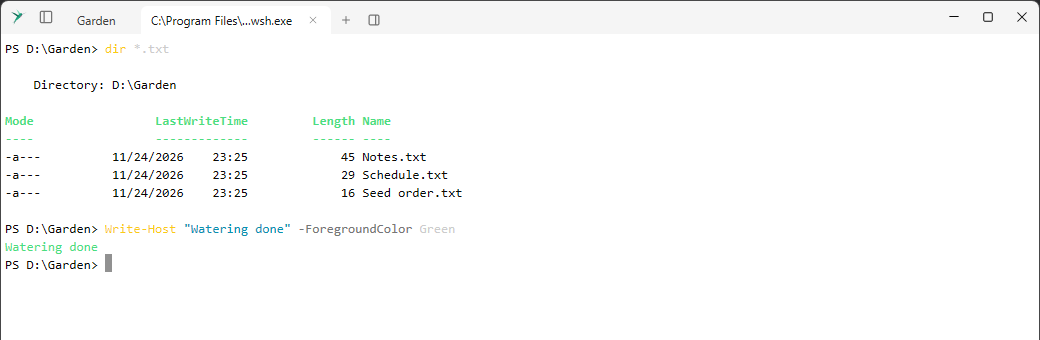
The shell is PowerShell 7 when it is installed, otherwise Windows PowerShell. The
TerminalShell setting runs another command line instead, such as cmd.exe or pwsh -NoProfile: see Settings. A folder on online storage isn’t local, so from there the shell starts in the folder the app was started from.The terminal is built in: it shows colors, keeps 5,000 lines of scrollback, and runs full-screen programs, including ones that use the mouse.
- Keys go to the shell, except
Ctrl + Shift + T(new tab),Ctrl + Shift + W(close the tab),Ctrl + Shift + N(new window) andCtrl + Shift + P(command palette), as in Windows Terminal. - Drag to select text.
Ctrl + Shift + Ccopies it, andCtrl + Shift + VorShift + Insertpastes. A right click copies the selection, or pastes when nothing is selected. - The mouse wheel and
Shift + Page Up/Shift + Page Downscroll back. A program that uses the mouse gets the wheel; holdShiftto select text in it.
When the shell exits, the tab says so, and
Enter or Esc closes it.